Without itCustomers calling or messaging for every update
Self-service portal
Customers sign in and see their own bookings, orders, documents and status without waiting for a reply.
Service
We build apps that run in the browser: client portals, online platforms and software you offer to your own customers. People sign in from any phone or computer and get things done, with nothing to install.
What it is
A web application is software people use through a web address instead of installing it. A website mostly shows information. A web application lets people sign in and do things: book, order, pay, upload files, check a status or manage their account.
It can be a client portal where your customers see their own records, an internal tool for your team, or a SaaS platform, which is software you offer to your own customers by subscription. We design the screens, build the app, put it online and stay on hand after launch.
The problem it solves
If every request has to pass through a person, the work piles up. These are the problems a web application takes off your hands.
Without itCustomers calling or messaging for every update
Customers sign in and see their own bookings, orders, documents and status without waiting for a reply.
Without itRequests retyped from chat and email
Customers fill in the details themselves and the request goes straight into your system.
Without itSoftware that only works on one office computer
Your team signs in from any phone, tablet or computer, in the office or outside it.
Without itA product idea stuck in a spreadsheet
Your idea becomes an app with sign-up, accounts and payments that real customers can use.
Key features
We build the parts your app needs and leave out the rest.
Each person has their own login and sees only their own information.
A private area where customers view records, send requests and follow progress.
One screen where your team manages users, requests and day-to-day activity.
Customers pay inside the app by GCash, Maya or card, and each payment is recorded against their account.
Confirmations, reminders and status updates are sent as things happen.
For SaaS platforms: sign-up, plans and separate accounts for each of your customers.
Business benefits
People book, order, pay and check their status on their own, at the time that suits them.
The answers customers ask for most are already in their account, so your staff spend less time replying.
The app lives online, so every user gets the same up-to-date version without installing anything.
The app is structured so you can add features, users and customer accounts later without starting over.
Proof
Real products and projects where we did this kind of work.
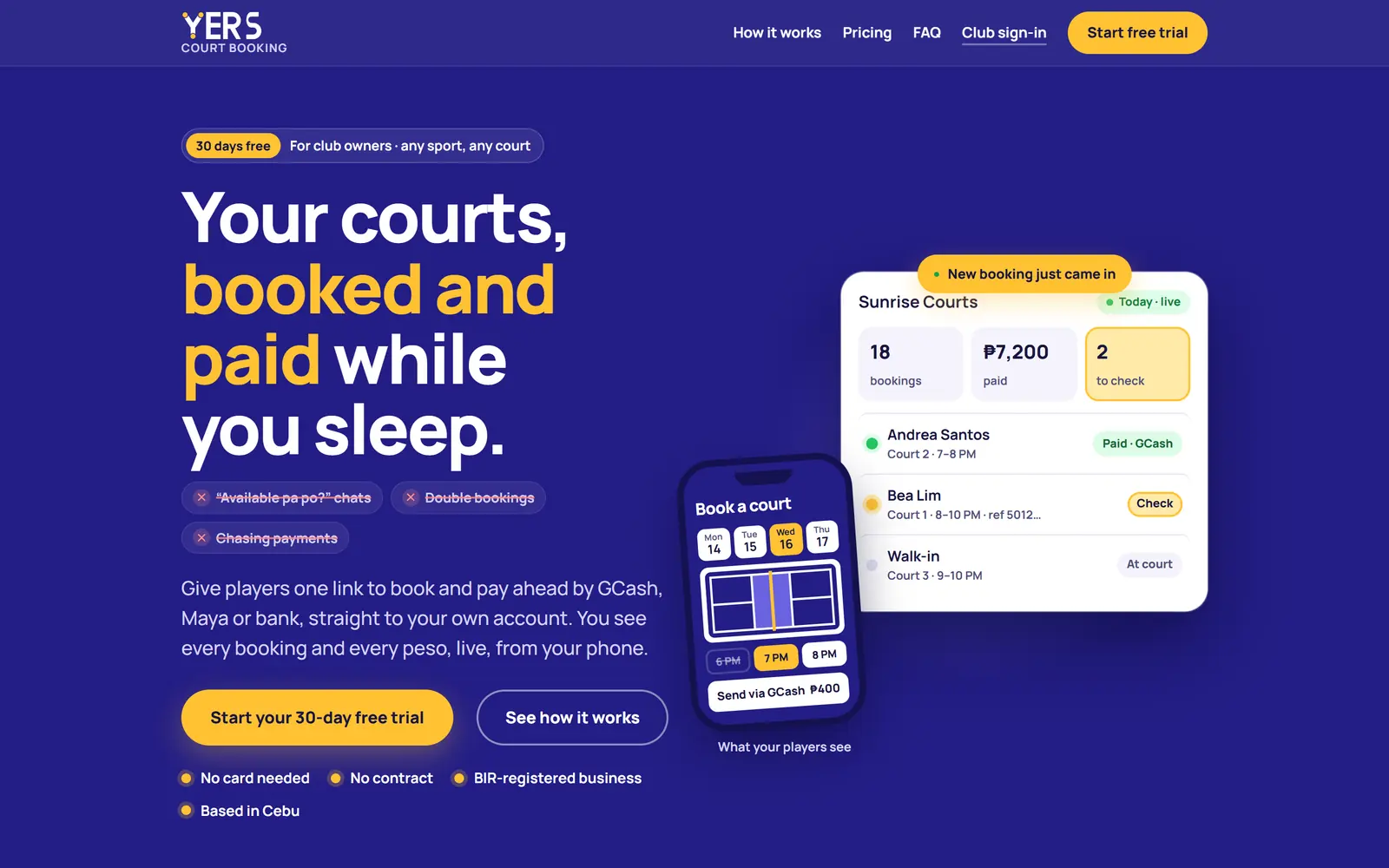
Our own subscription web app for court clubs: players book and pay from their phone, and owners see every booking live.
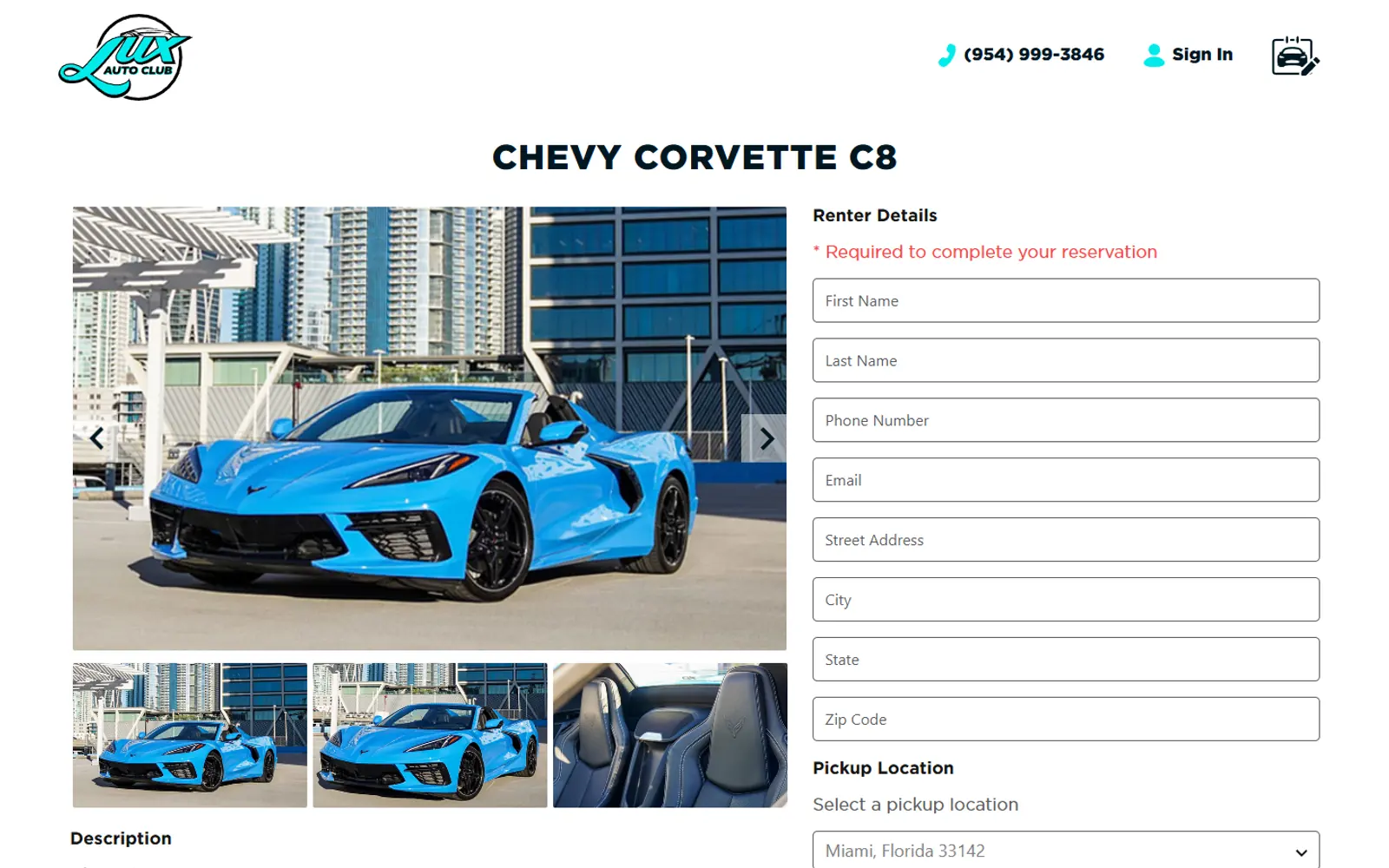
A car rental booking platform for a South Florida rental company: customers choose a car, check their dates, add extras and book online.
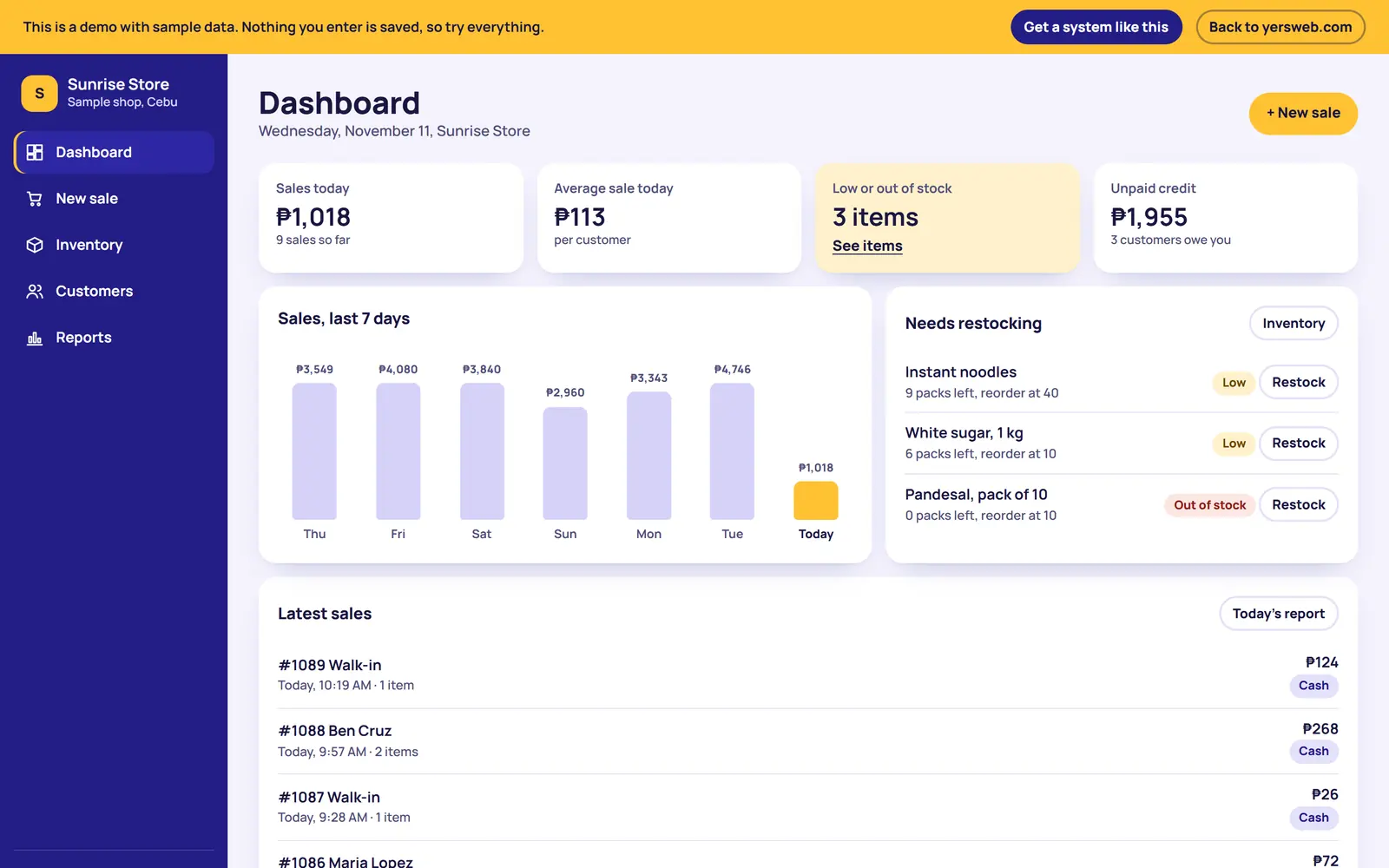
Our own shop system demo: sales, inventory, customer credit and end-of-day reports in one place. Try it in your browser with sample data.
Ready-made solutions: Court Booking · Car Rental Booking
FAQ
A website mostly presents information about your business. A web application lets people sign in and do things, such as booking, paying or managing records. Many projects have both.
No. A web application opens in the browser on phones, tablets and computers, so customers only need the link.
Yes. Tell us the idea and who it is for. We will suggest what to build first and give you a quote that lists the scope, price and timeline.
Yes. YERS Court Booking is live, and the YERS Shop System demo runs in your browser with sample data. Both are our own products.
Next service: Website Design & Development
Tell us what you want people to do online. We will reply with a clear plan and a free quote.
or call / Viber 0933 482 3965